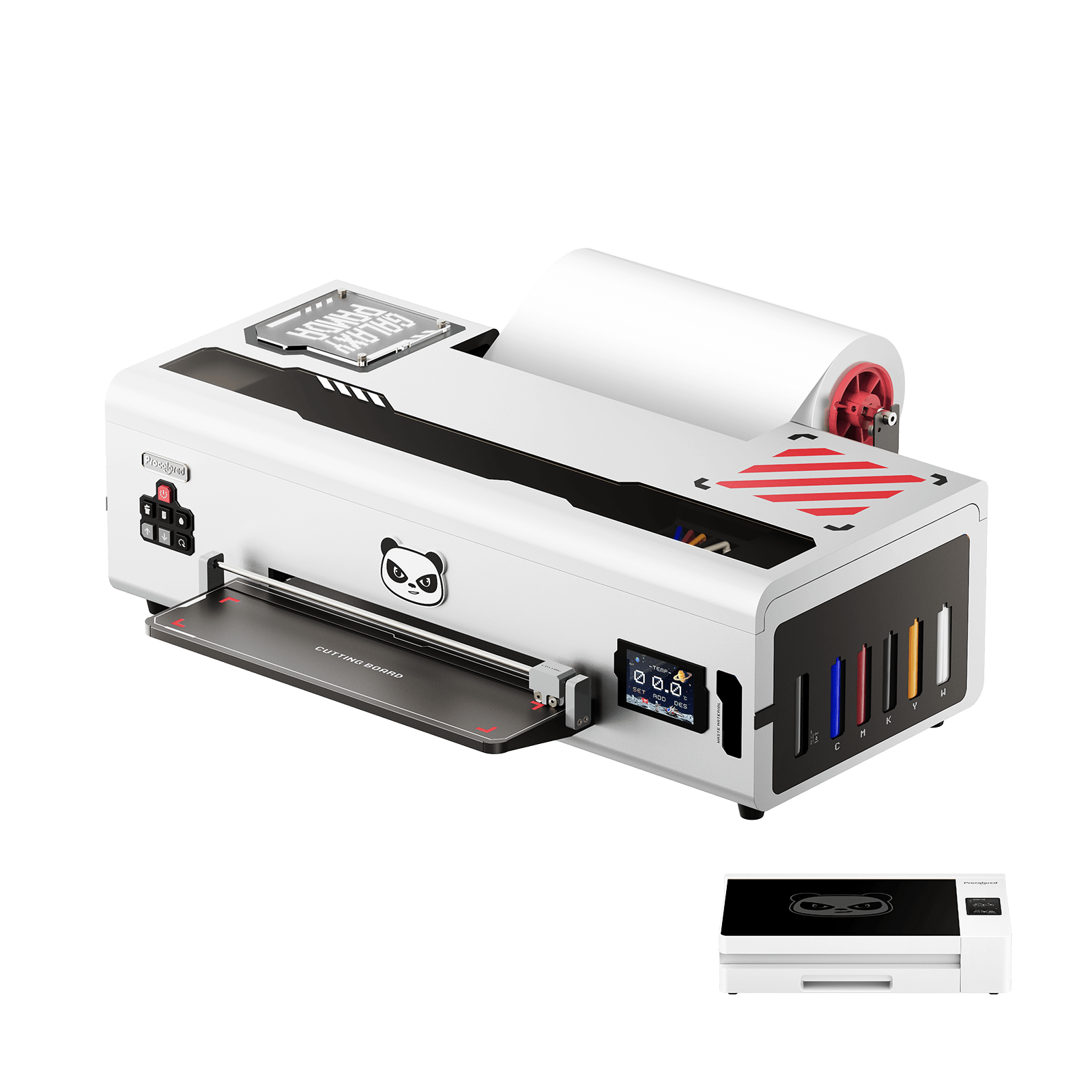



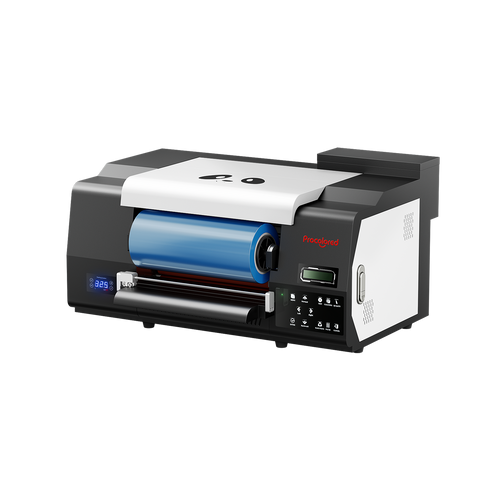










Many people may fear its maintenance before deciding to buy a DTF printer, in fact it is not difficult at all
Like any other type of DTG printer, DTF Printers require maintenance to ensure they operate effectively and efficiently. However, the maintenance process for a DTF printer is relatively simple and straightforward. (Discover the best DTF printer in this blog. DTF printer offers excellent print quality, versatility, and user-friendly features, making it an ideal choice for T-shirt design. The blog talks about the best DTF printer for small business.)
Today I will walk you through to do the maintenance for DTF L1800 printer. It only takes 4 simple steps to complete the maintenance work of DTF printer. It is recommended to do it once every 3 days
Overall, maintaining a DTF printer is not overly difficult, but it does require regular attention and care. By following these tips and being proactive about maintenance, you can help ensure that your DTF printer performs at its best for years to come.
Why should we regularly clean the DTF printer?
Regularly cleaning your DTF (Direct to Film) printer is essential to maintain its performance and extend its lifespan. Here are some reasons why:
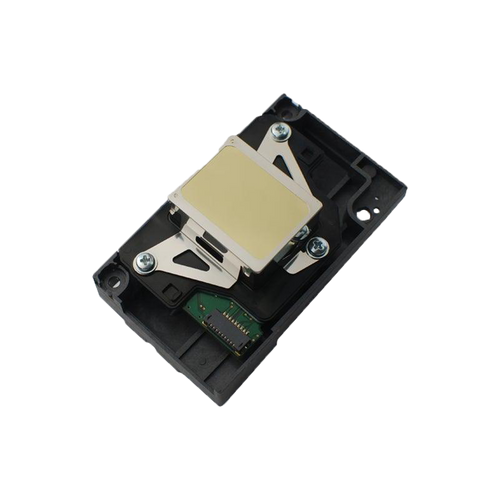
Preventing clogging: DTF printing uses inkjet technology to print directly onto film. Over time, ink residue can accumulate on the print head nozzles, causing clogging and reducing print quality. Regular cleaning can prevent this from happening.
Maintaining print quality: A clean print head ensures that the ink is distributed evenly, producing high-quality prints. If the print head is dirty, it can lead to banding, streaking, and other printing defects.
Preventing damage to the printer: Dirt and dust can accumulate on the printer's internal components, causing damage and reducing its lifespan. Regular cleaning can prevent this from happening.
Saving money: Regular cleaning can help you avoid costly repairs and replacements by keeping your printer in good condition. It can also prevent wasted ink and film due to poor print quality.
Overall, cleaning your DTF printer regularly is a simple yet effective way to maintain its performance and ensure that it lasts for years to come.
How Often Should You Clean a DTF Printer?
Many people wonder how often they should clean a DTF printer, but the routine is actually quite simple and easy to manage.
For most users, doing a quick check before daily production is the safest and most practical habit. During this check, you can quickly spot signs that your printer may need maintenance—such as inconsistent prints, nozzle gaps, or unstable ink flow. These are clear indicators that it’s time to take action.
In addition to daily checks, a more structured maintenance routine is recommended every 2–3 days. The exact frequency depends on factors like print volume, working environment, and ink usage. Regular cleaning and inspection help prevent clogging and ensure stable, high-quality output.
Printer maintenance itself is not complicated—it mainly involves routine cleaning, basic inspections, and preventive care. These simple steps play a key role in keeping your printer running smoothly and extending its lifespan.
If your printer will not be used for several days, it’s important to prepare it properly by performing a shutdown moisturizing routine. This helps protect the printhead and reduces the risk of clogging caused by inactivity.
Overall, as long as you pay attention to signs like print defects or irregular performance and follow a consistent maintenance schedule, keeping your DTF printer in good condition is straightforward and manageable.
What You Need Before Maintenance?
Prepare lint-free swabs, a lint-free cleaning cloth, suitable cleaning solution recommended for your printer model, disposable gloves, and a nozzle-check test file. Using lint-free materials is important because ordinary cotton swabs or rough cloths can leave fibers behind and create secondary contamination.
Always clean gently. Do not scrape sensitive parts aggressively, and do not disassemble components you are not trained to handle. For the printhead bottom, capping station, and other ink-sensitive areas, always follow the cleaning-fluid guidance for your specific machine.
Material preparation: long cotton swab, alcohol cleaning solution, cleaning cloth
Machine operation: move the print head for cleaning
Step-by-Step DTF Printer Maintenance Routine
Use the following sequence to build a safer and more complete maintenance workflow.

Machine operation: move the print head for cleaning


Step 1: Clean the encoder stripe and encode disc to ensure the accuracy of the printer


Step 2: Clean the splashed ink inside the printer


Step 3: Clean Ink around the waste ink pump and the wiper


Step 4: Clean Ink around the bottom of print head


Step 5: Use a moisturizing device to prevent print head clogging while on vacation